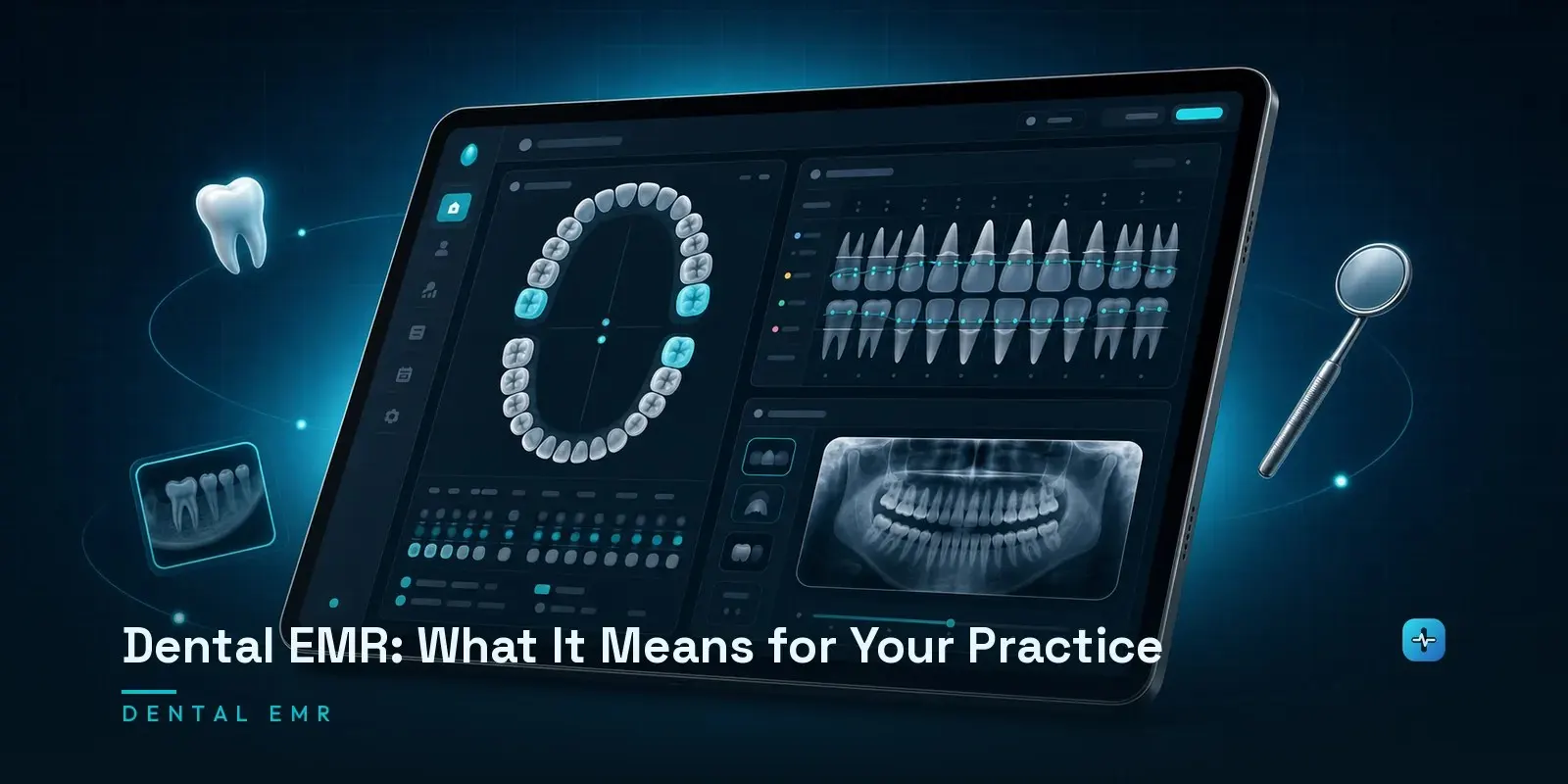
A dental EMR is the clinical record inside dental software — the odontogram, periodontal charting, imaging and treatment plans — and in dentistry it is almost never a separate product from practice management. In medicine the clinical record and the practice management system are usually distinct applications that integrate with each other, but Dentrix, Eaglesoft and Open Dental bundle both into one, which is why a dentist searching for a dental EMR and one searching for dental practice management software are usually looking for the same thing. The reason is structural: dental charting is organized by tooth and surface, and the chart entry and the billable procedure code are tightly coupled, so separating the clinical record from billing would mean maintaining the same tooth-level data in two systems. For a practice evaluating software, the practical consequence is that you are choosing one system rather than assembling a stack.
What Is a Dental EMR?
The dental EMR is the clinical documentation layer of a practice’s software — the odontogram, periodontal charting, imaging attachments, treatment plans, and progress notes. It’s the direct dental analog of a medical EMR, with one important structural difference from medicine, which the next section covers.
Why Dental EMR and Practice Management Are the Same Product
This is the genuinely interesting, under-explained point, and it’s real domain insight rather than a definitional technicality: in medicine, the EHR and the practice management system are typically separate products that integrate with each other — a scheduling and billing system talking to a clinical charting system over an interface. In dentistry, that separation mostly doesn’t exist. Dentrix, Eaglesoft and Open Dental each bundle the clinical record and practice management functions into a single application.
The reason is structural, not historical accident: dental charting is organized tooth-by-tooth and surface-by-surface, and each chart entry is tightly coupled to the CDT procedure code that drives billing for that exact tooth and surface. Splitting the clinical record from billing in dentistry would mean maintaining the same tooth-level data twice, in two systems that would need to stay in perfect sync — which is exactly the kind of duplication dental software vendors decided wasn’t worth the architectural cost. That’s why “dental EMR” and “dental practice management software” behave as overlapping search terms in a way their medical equivalents don’t.
What’s Actually in a Dental Record
A comprehensive dental record includes medical and dental history, an odontogram — the tooth-by-tooth diagram showing fillings, crowns, missing teeth and decay — periodontal charting tracking gum health and pocket depths, imaging, treatment plans, progress notes, and correspondence. Each of those differs structurally from what a medical record contains: a medical problem list is a list of diagnoses; an odontogram is a spatial map of 32 individual structures, each carrying its own history.
EMR vs. EHR in Dentistry
I’m keeping this section deliberately short, because the full terminology comparison lives in our dedicated EMR-vs-EHR post, and repeating it here would just be redundant. The short version: EMR and EHR get used close to interchangeably in dentistry, and the real technical distinction matters less here than the practical question this post is actually answering — what’s in the record, and why it’s bundled with everything else.
Do Dentists Need a Separate EMR?
No — and understanding why not is more useful than the answer itself. Because the bundled architecture above is how the entire market works, evaluating “EMR options” separately from practice management options isn’t really a choice available to you. What you’re actually evaluating is which bundled platform’s clinical charting fits your workflow, which I go through by category in the fuller breakdown of what dental practices actually need.
What Good Dental Charting Software Does
Speed of chart entry matters more in dentistry than it might seem, because a provider is charting between patients on a tight schedule, not dictating a note later. Imaging integration is the other piece that decides real usability — I go through why sensor and scanner compatibility is the actual lock-in point, more than any charting feature, in the broader dental software post. Treatment plan presentation — how clearly a proposed plan communicates to the patient, not just documents for the record — is the third piece worth evaluating directly rather than assuming any platform handles it well by default.
Records Retention and Portability
Genuinely useful and rarely covered in software comparisons: what happens to the clinical record if a practice switches platforms. There’s no single federal law governing dental record retention — it’s set at the state level, with seven years from last patient contact the most common threshold, though minors’ records typically have to be kept much longer, often until the patient turns 25 or 28 depending on the state. Before committing to a platform, confirm what a real data export actually looks like — whether the odontogram, periodontal charts and imaging come out in a usable, standard format or whether “export” means a PDF dump that’s technically compliant with retention law and practically useless for switching software later.
Next Steps
Understanding that dental EMR and practice management are effectively the same purchasing decision, not two separate ones, should simplify your evaluation rather than complicate it — you’re choosing one platform, not assembling a stack. For the fuller category breakdown, see what dental practices actually need, and if your situation involves a genuine build-vs-buy question, our honest comparison covers when custom is actually warranted. Or talk to our team directly.