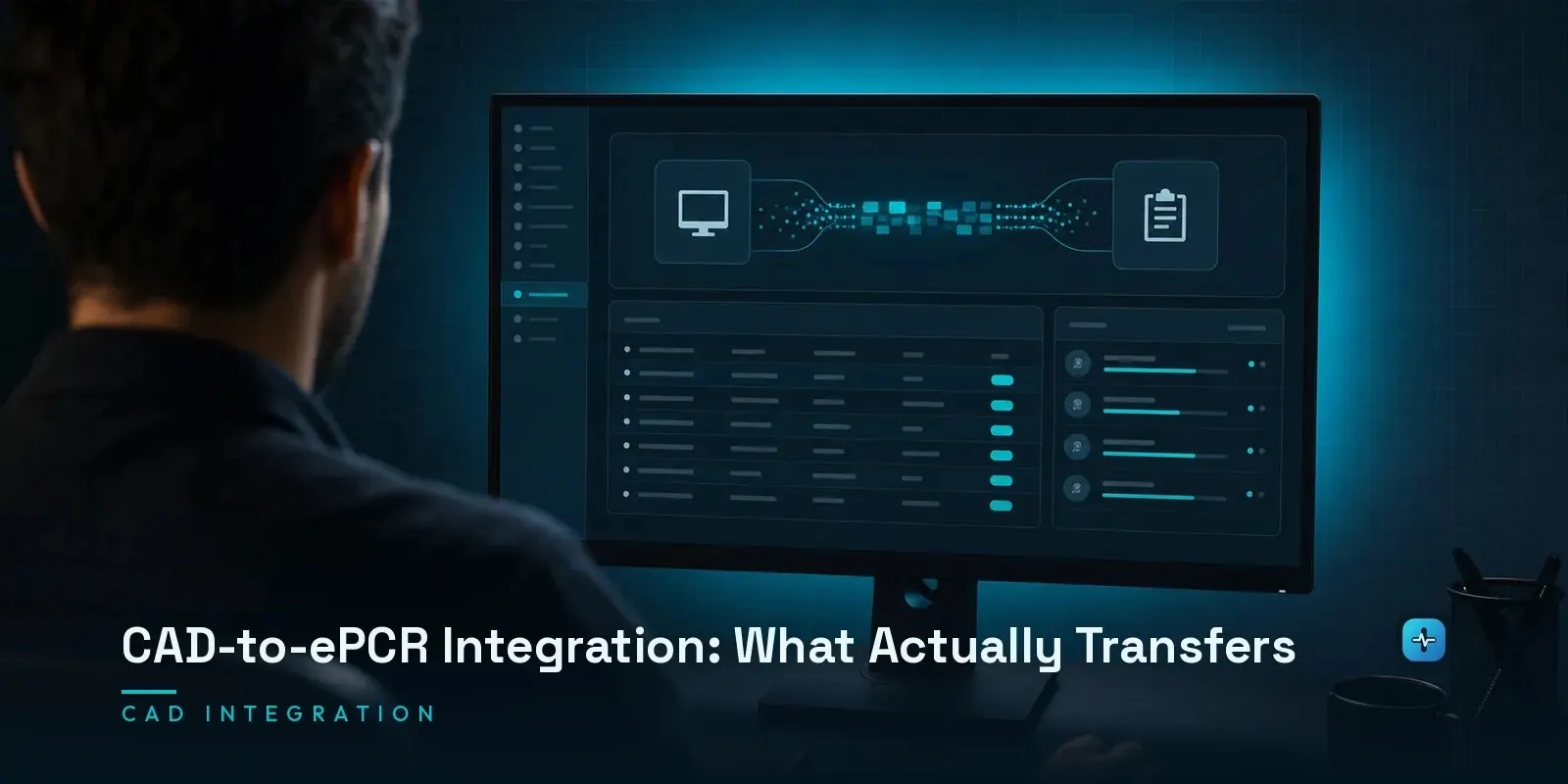
“Integrates with CAD” covers a range wide enough to be nearly meaningless, and the difference between its ends decides how much retyping a crew does on every call. At the strong end, a real-time interface pushes an incident to the ePCR as it is dispatched, so the report opens already carrying the incident number, call type, dispatch and arrival timestamps, location, unit and crew — and updates as the call progresses. At the weak end, a scheduled file import brings the same fields across hours later, or overnight, which does nothing for the crew writing the report in the ambulance. Both get described with the same phrase in marketing material. The question that separates them is whether the transfer is event-driven or batched, and the follow-up worth asking is what happens when dispatch corrects an incident after the report has been started — because reconciliation, not the initial transfer, is where these interfaces usually break.
What Does “Integrates With CAD” Actually Mean?
This is the definitional gap that costs agencies real money and crews real time, and no vendor’s marketing page resolves it on its own. “Integration” can describe a live, bidirectional connection that pushes dispatch data into a report the moment a unit is toned out and continues updating it as the incident evolves — or it can describe a nightly batch file that reconciles yesterday’s calls after the fact, with the crew having manually typed everything in real time because nothing was there when they needed it. Both are accurately described as “CAD integration.” Only one of them actually reduces documentation burden during the call.
The Fields That Actually Transfer
In a genuine real-time integration, the fields that typically prefill from CAD include the incident number, call type/nature, dispatch and en-route/arrival timestamps, incident location, and the responding unit and assigned crew. Some integrations extend further — disposition codes and even mileage in more sophisticated setups. What matters beyond which fields transfer is whether they prefill as an editable starting point or lock as read-only source-of-truth data the crew can annotate but not overwrite; the two behave very differently when dispatch information turns out to be wrong. Ask a vendor to walk through this field-by-field rather than accepting “we integrate with most major CAD systems” as an answer.
Event-Driven vs. Batched
This is the distinction that actually matters, and it’s worth asking about explicitly rather than inferring from a vendor’s use of the word “real-time.” An event-driven interface reacts to dispatch events as they happen — unit assigned, en route, on scene — and pushes updates to the ePCR in near-real-time. A batched interface runs on a schedule, often nightly, and reconciles a day’s worth of calls after the fact. The practical consequence: with an event-driven interface, a crew opens a new report and finds dispatch data already populated. With a batched interface, the crew types everything themselves during the call and the CAD data arrives later purely for record-reconciliation purposes — which does nothing to reduce the crew’s documentation burden in the moment it matters most.
Who Owns the CAD?
This is the political reality that determines whether a real-time integration is even possible in the first place, and it’s a point most software comparisons skip entirely: the CAD system is frequently owned and operated by a regional communications center, county 911 authority, or dispatch consortium serving multiple agencies — not by the EMS agency evaluating ePCR software. That means the agency may have limited or no direct say over which CAD system it has to integrate with, what interface capabilities that CAD supports, or how quickly a technical change gets prioritized by an entity serving many agencies with competing needs. Before evaluating ePCR vendors on CAD integration claims, confirm what your actual CAD ownership situation is and what technical interfaces that CAD operator has already built or is willing to build.
Reconciliation
This is the actual failure mode, more often than the initial data transfer itself: dispatch information changes after a report has already been started — a call type gets reclassified, a location gets corrected, an additional unit gets added to the response. What happens to the ePCR report at that point is the real test of an integration’s quality. Does the report update automatically to reflect the correction? Does it flag the discrepancy for the crew or a supervisor to review? Or does the report simply retain the original, now-incorrect data with no mechanism to catch the drift? Ask specifically about post-dispatch correction handling — it’s the scenario most vendor demos don’t show, because it’s the scenario where weaker integrations visibly fall apart.
Standards, or the Lack of Them
NEMSIS, covered in our dedicated post on the EMS data standard, governs the structure of the patient care report itself — it says nothing about how CAD systems should hand data to an ePCR in the first place. The 911/dispatch side has its own standards effort: NENA’s Emergency Incident Data Object (EIDO) is a JSON-based standard intended to carry incident data from call-handling through CAD and onward to field responders, and it has become a de facto reference point for emergency incident data exchange. But per the National 911 Program’s own assessment, CAD interoperability in practice remains sparse and largely limited to regional deployments rather than a universal, standardized interface every ePCR can plug into. Verify the current state of CAD-to-ePCR standardization directly before making claims about it — this is an actively evolving area. The practical consequence for agencies: there’s no guarantee that switching either your CAD or your ePCR preserves the integration you currently have, because the interface is typically a custom or semi-custom build between two specific vendors rather than a universal standard both sides implement independently.
What to Ask Both Vendors
- Is the CAD interface event-driven (real-time) or batched, and what’s the actual latency in each direction?
- Which specific fields transfer, and do they prefill as editable or lock as read-only source data?
- What happens when dispatch corrects an incident after the ePCR report has already been started?
- Can you name a specific, current agency reference running this exact integration live — not a general customer list?
- If we switch our CAD or our ePCR vendor, what happens to this integration — does it need to be rebuilt from scratch?
Next Steps
Push past “integrates with CAD” as a marketing phrase and get specific about event-driven versus batched, which fields transfer, and how reconciliation is handled — that’s where the real difference lives. See our broader EMS software evaluation guide and ePCR vendor comparison for the related category context, and our EMS/ePCR hub for all our EMS and ePCR guides. If you’re scoping a CAD-to-ePCR integration build, our team can help — reach out.